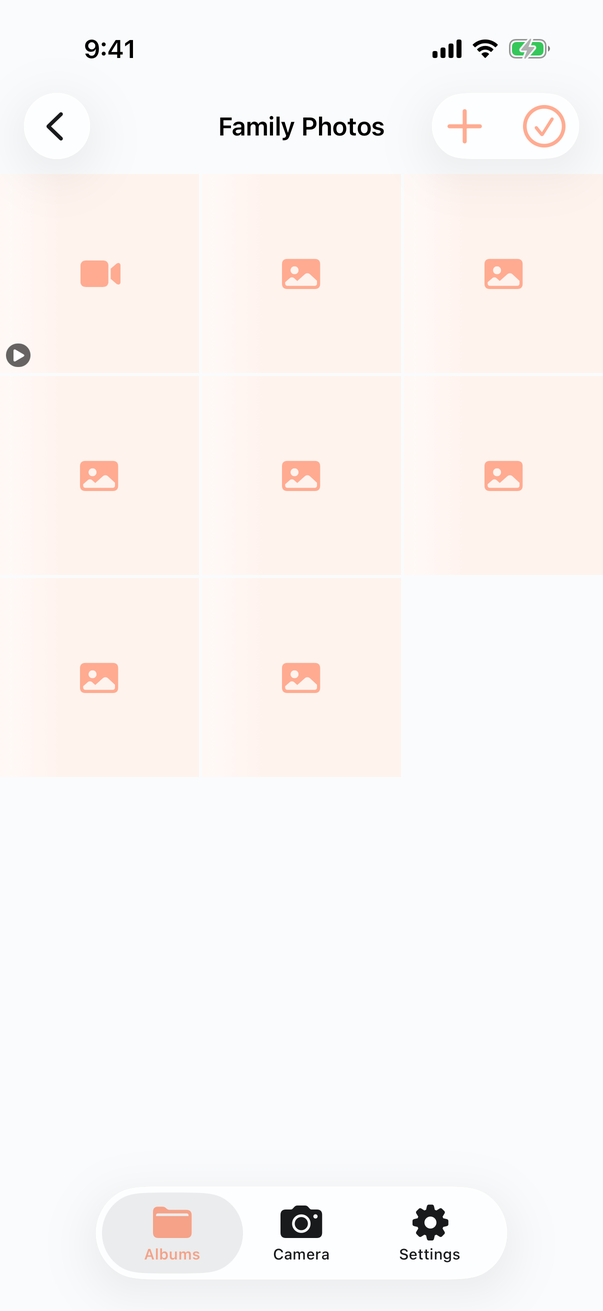
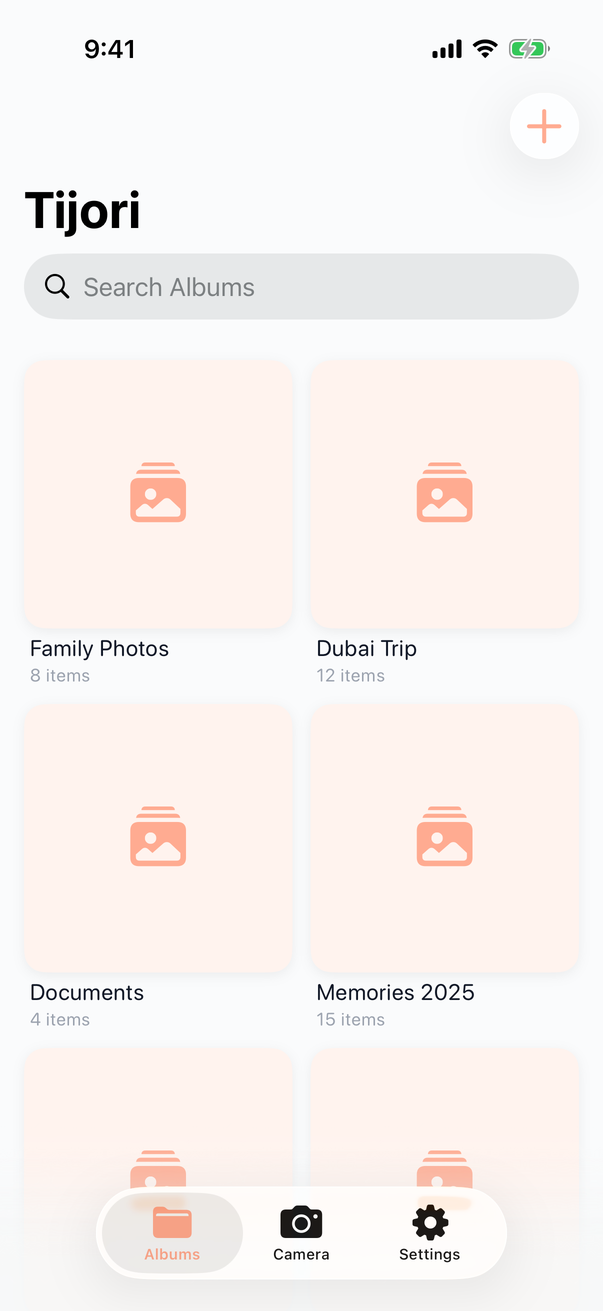
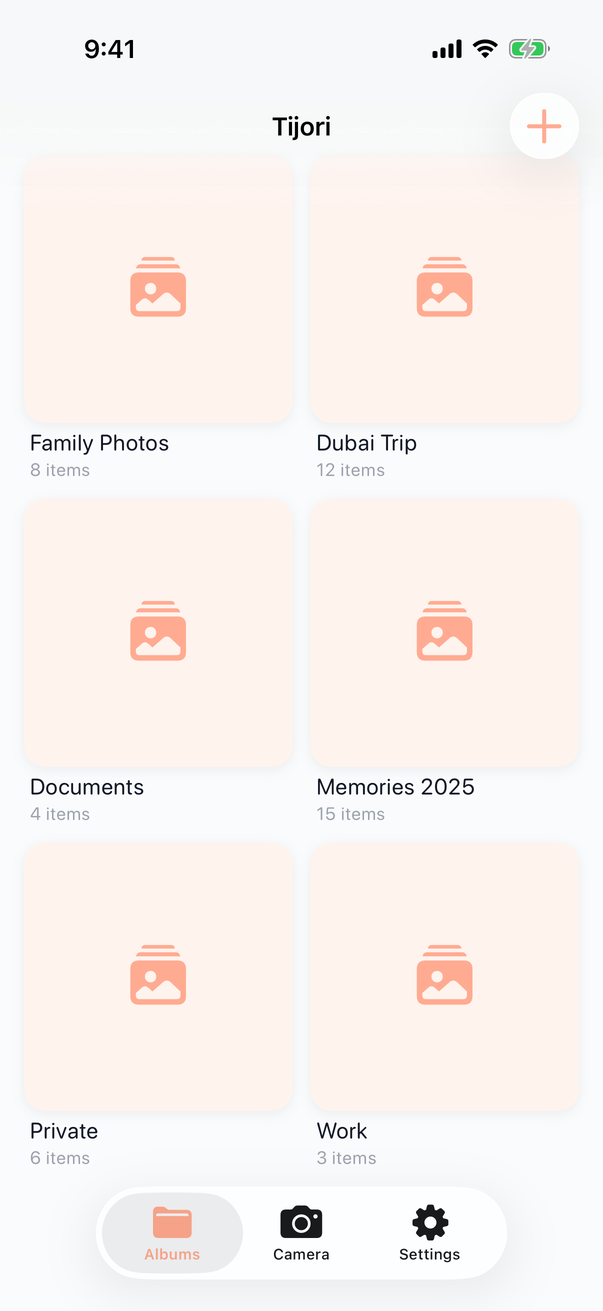
Tijori is the most secure photo vault built for privacy. Your photos stay on your device only. No servers, no tracking, no one can access them but you.
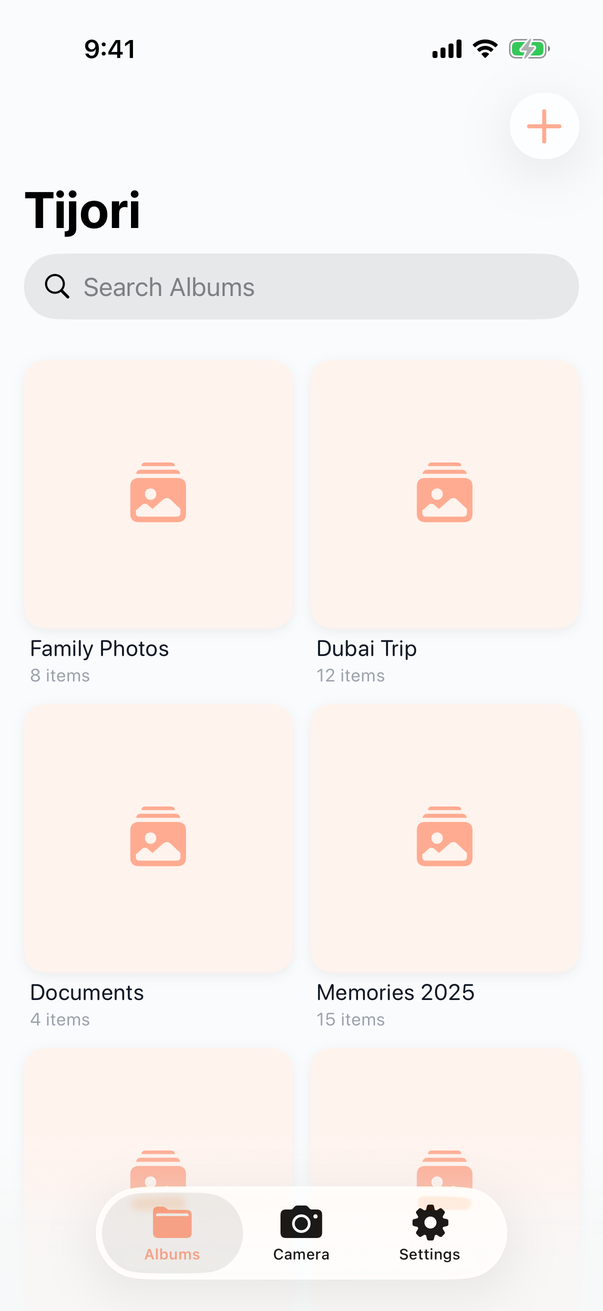
From fingerprint protection to a decoy vault — Tijori covers every scenario.
Lock the app with a PIN or Face ID. Nobody opens it without your permission.
Capture photos directly inside the app — saved encrypted instantly, never touching your camera roll.
Organize your photos into as many albums as you like, with no restrictions.
Move photos in from your library or out to any destination, easily.
Not just photos — store video clips too, with the same level of protection.
After importing, the app asks if you want to delete originals from your library — the choice is yours.
Choose dark or light mode manually from settings, independent of your system theme.
Switch the app between Arabic and English from settings — separate from your system language.
Rate us on the App Store or share the app with friends, directly from settings.
Have a promo code? Activate your Premium subscription from settings.
Optional — set a timer, and if the app isn't opened within that period, the vault deletes itself automatically.
A second PIN that opens an empty or decoy vault. Perfect if someone pressures you to unlock the app.
Notifies you immediately if someone tries a wrong password, and secretly photographs the intruder.
The app looks like an ordinary calculator on your home screen. Nobody knows it's a photo vault.
Optional backup to your own iCloud, encrypted before leaving your device.
Change the app icon to any design you like from the options available.
Add a separate passcode to each album individually for an extra layer of protection.
The app locks automatically when you place your phone face-down — instant privacy, zero taps.
A built-in private browser that leaves no history or trace, integrated into your secure vault.
We can't see your photos even if we wanted to. That's not just a promise — it's how it's designed.
"We don't have servers. We can't see your photos even if we wanted to — that's not a promise, that's a design decision."
We use the same encryption technologies trusted by banks and governments — explained clearly.
Every photo and video in your vault is encrypted with its own unique key. Even if someone gets your device, the files are useless to them.
Your password is never stored directly — it's transformed into an encryption key using an algorithm that's resistant to brute-force attacks.
Keys are stored in a dedicated, fully isolated chip — even the app itself cannot access them directly.
Each photo has its own key. If one file were ever compromised, the rest of your photos remain completely safe.
Two groups of features. Group 1 is free for a year. Subscribe anytime to unlock both.
After 1 year → subscription required to continue
✓ All Group 1 features
+ Group 2 Premium features:
Subscribe anytime during your free year and unlock Group 2 immediately. After the year, a subscription is required to continue using the app.
Can't find your question? Reach out to us directly.
If you enabled iCloud backup (optional), you can restore your photos after signing in on a new device. If you didn't enable backup, photos are stored on the device only — which is why we strongly recommend enabling the encrypted backup option.
No — the app works completely offline. All operations happen locally on your device. An internet connection is only needed if you choose to enable iCloud backup.
Most vault apps store a copy of your photos on their servers or sell your data to ad networks. Tijori was designed from the ground up with no servers — we don't have the infrastructure to view your photos even if we wanted to.
The decoy vault is a second PIN you choose yourself. If someone pressures you into unlocking the app, you enter this second PIN — it opens an empty vault or one with harmless photos, with no indication that a real vault exists.
Currently Tijori is available on iOS only. An Android version is in our future plans — register your email on the site to be notified as soon as it launches.
Due to the nature of the encryption, nobody can recover your password — not even us. This is an intentional design for your security. We strongly recommend enabling the encrypted backup and storing your recovery code in a safe place.
Yes, you can share any photo directly from inside the app using the standard iOS share sheet. The photo is temporarily exported for sharing, then removed from temporary memory.
A clean, simple interface designed for your privacy